
- Published on
modern shell scripting, vol. 1
- Authors

- Name
- Louai Misto
problem statement:
writing non-trivial shell scripts is awkward and tedious
why?
a picture's worth a thousand words.
it's monday, and your first task requires updating the below bash script you wrote two years ago.
. .
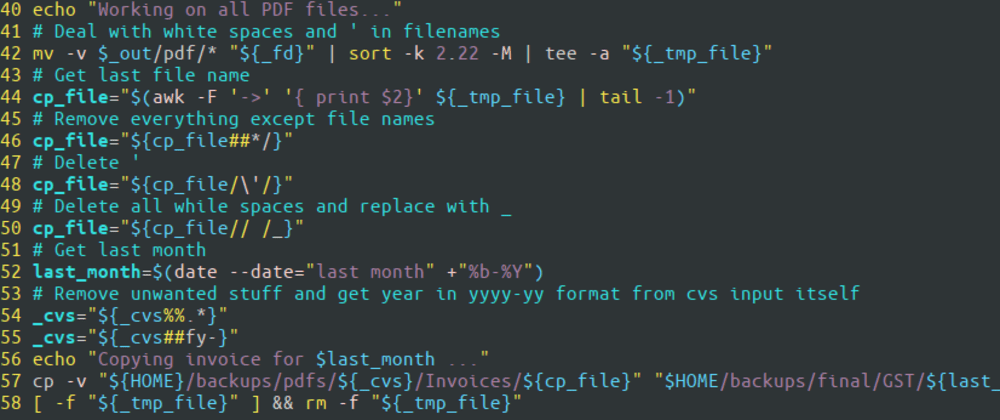
fig-1: trash bash
even when you use a scripting language, such as python or javascript, you need to write unintuitive code to properly run and handle the output of a shell command.
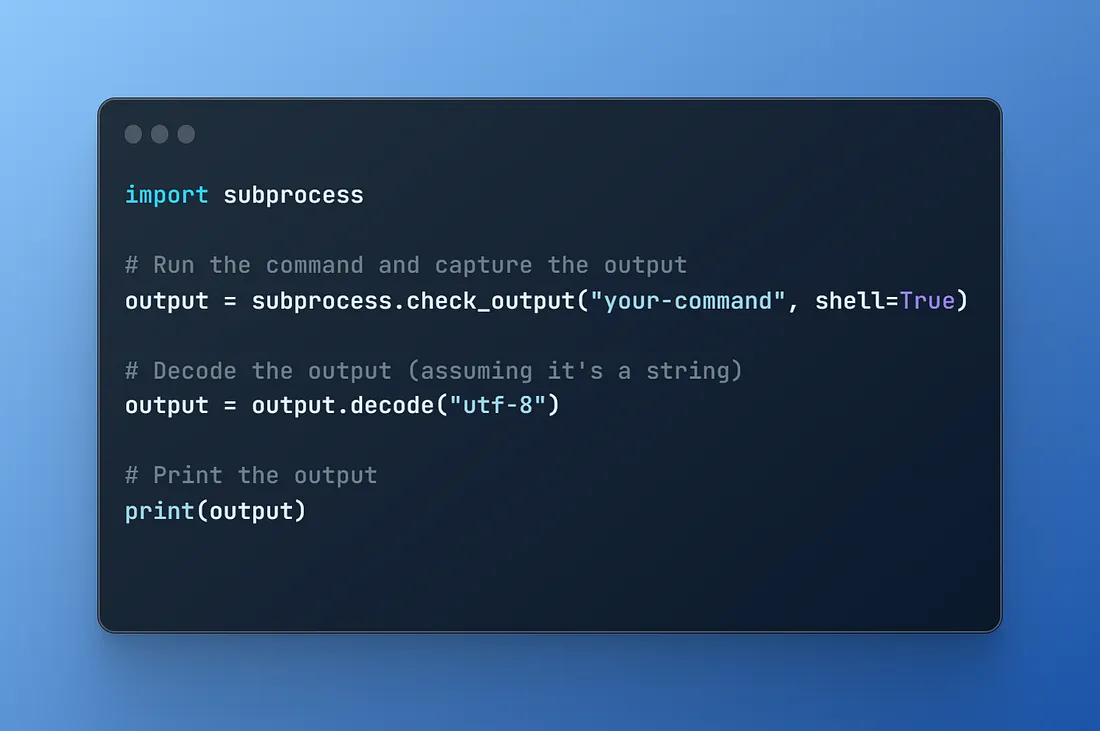
in addition, it becomes a burden to learn the stdlibs like subprocess and os in python.
spawn and child-process in node.js are no different.
how do i know if i need subprocess.check_output? or subprocess.Popen...
one could argue for that to issue ls from python, we could use os.listdir() and get the current directory listing in a nice python list ready for further work.
but who wants to learn a completely different api for every little thing they want to do?
besides, os is implicitly recent history in python and subprocess is definitely king...
why do i need shell scripts anyway ?
they're useful all sorts of things,
- automate the installation of software (e.g. GNU Makefile);
- creating releases for github;
- running code linting, formatting and tests;
- cleaning up directories;
- creating multiple directories;
solution: enter bun

fig-3: bun-logo
bun is a javascript runtime that has native support typescript. you can learn more on the bun homepage.
bun’s built-in shell symbol
running a shell script from is as easy as follows:
install bun
npm install -g bun
there’s a ton more installation methods which you can browse over on bun installation.
run your first command
once you’ve installed bun and verified that it is correctly installed in your $PATH by issuing bun --version from your favorite terminal, proceed with:
mkdir autobash; cd autobash \
   && bun init -y
this will scaffold a new bun project and you should a similar output to the below in your terminal:
[~/code/autobash] λ bun init -y
Done! A package.json file was saved in the current directory.
+ index.ts
+ .gitignore
+ tsconfig.json (for editor auto-complete)
+ README.md

To get started, run:
bun run index.ts

[~/code/autobash] λ
next, open the project in your favorite editor and add the following to index.ts:
import {$} from "bun"

const {stdout, stderr} = await $`ls`
save the file and then run bun index.ts, the output should match:
[~/code/autobash] λ bun index.ts
bun.lockb
index.ts
node_modules
package.json
README.md
tsconfig.json

[~/code/autobash] λ